Forehead Thermometer
Portable Non-contact IR Infrared Thermometer Digital Forehead LCD Body Fever Temperature Meter Baby monitor
Specification:
Product model: ZS-T1
Size: 18x4.4x4.2cm/7.09x1.73x1.65in
Weight: 85g
Temperature model: 32 â„ ~ 42.9 â„
Surface mode: 0 â„
Normal use temperature: ambient temperature: 10 â„ ~ 40 â„
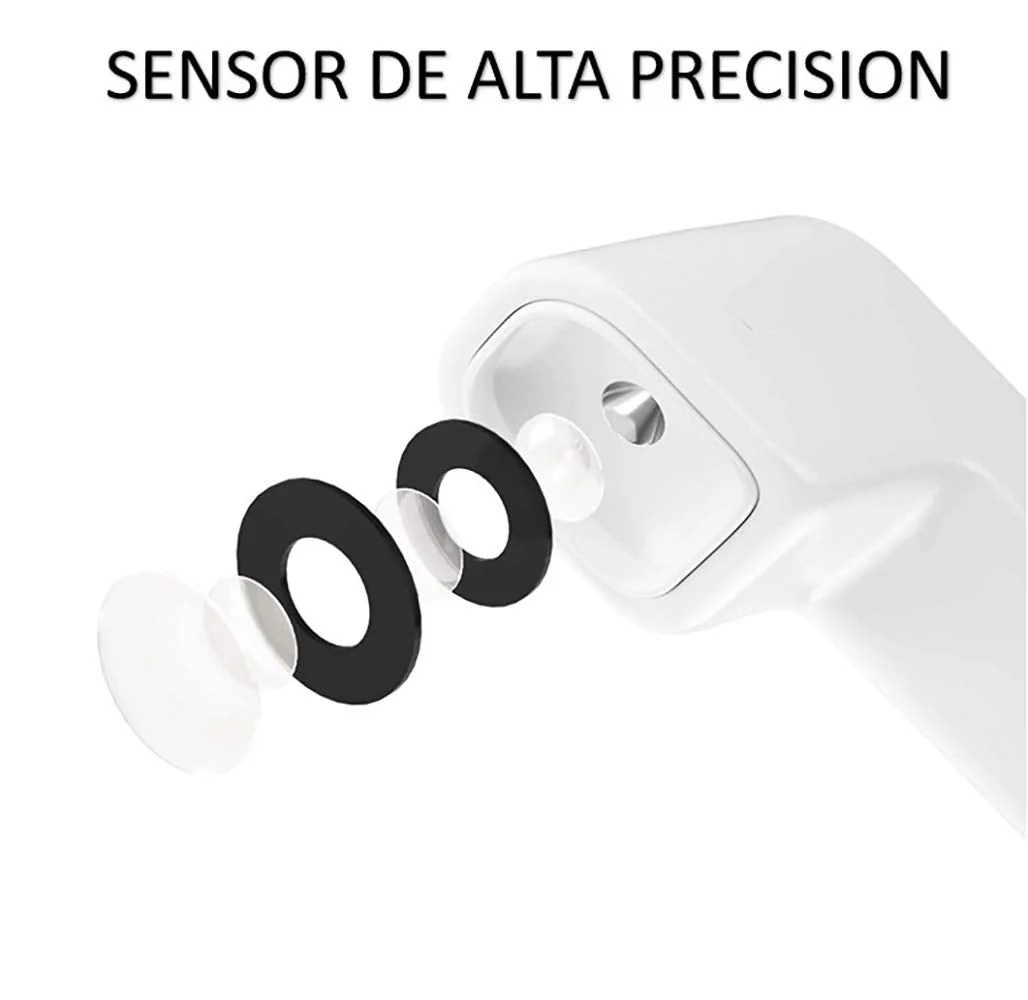
Accuracy: measurement error ≤± 0.3 degrees. (imported infrared detection system)
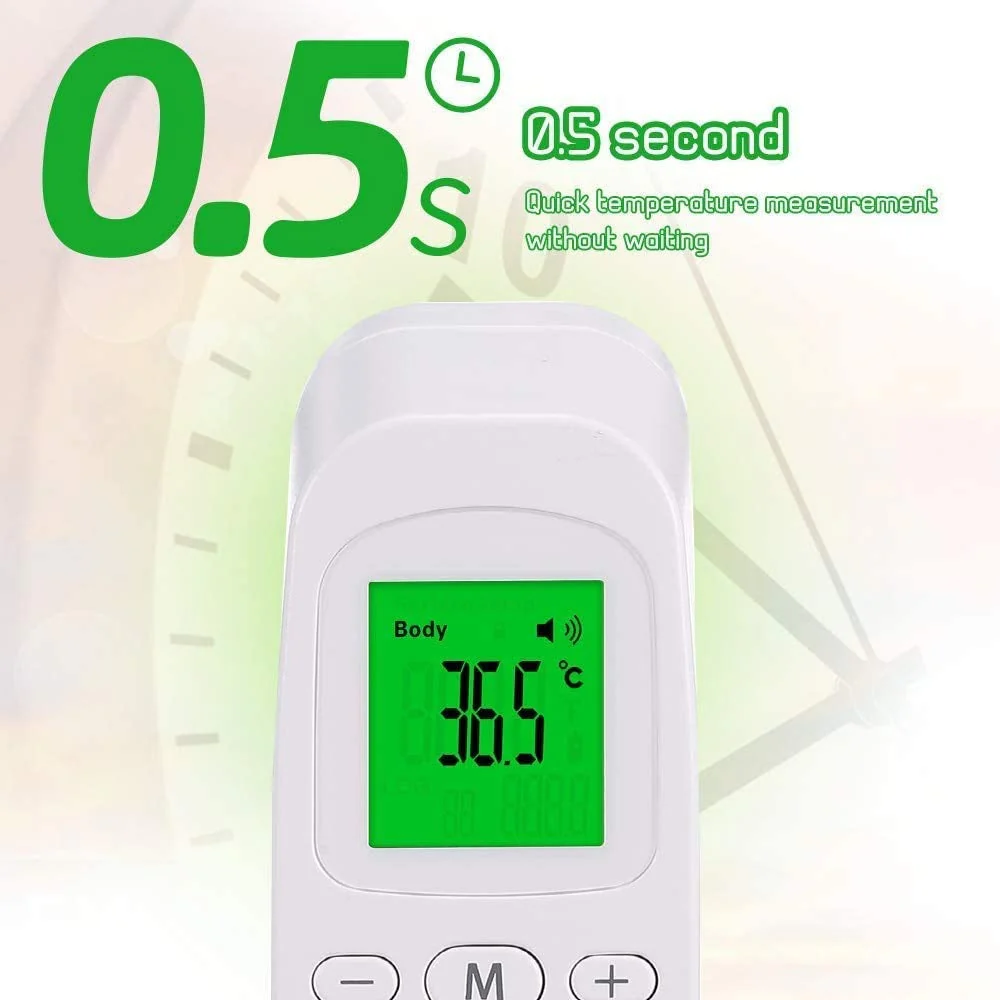
Fast: measurement time < 1 second
Automatic shutdown: 60 seconds
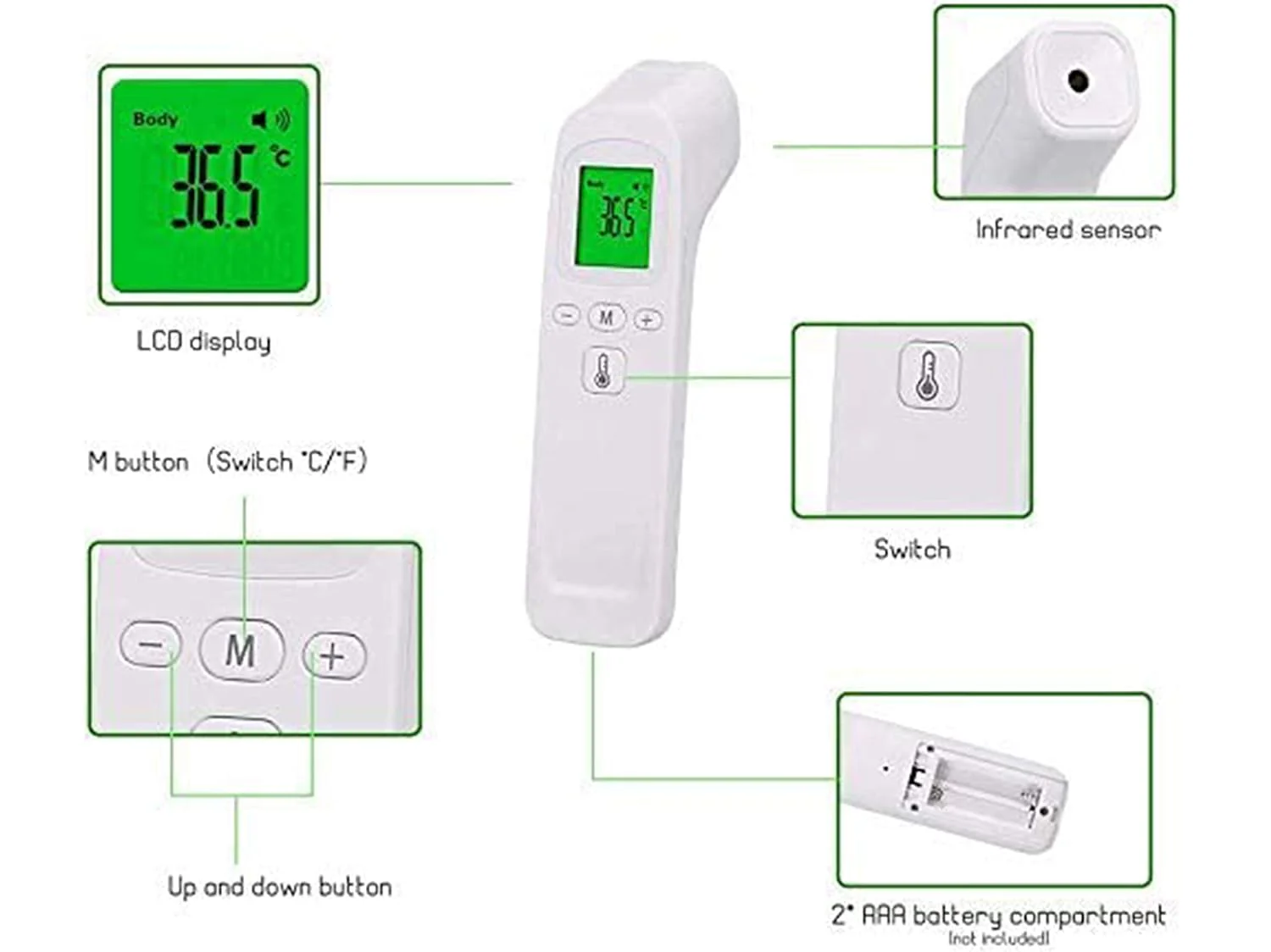
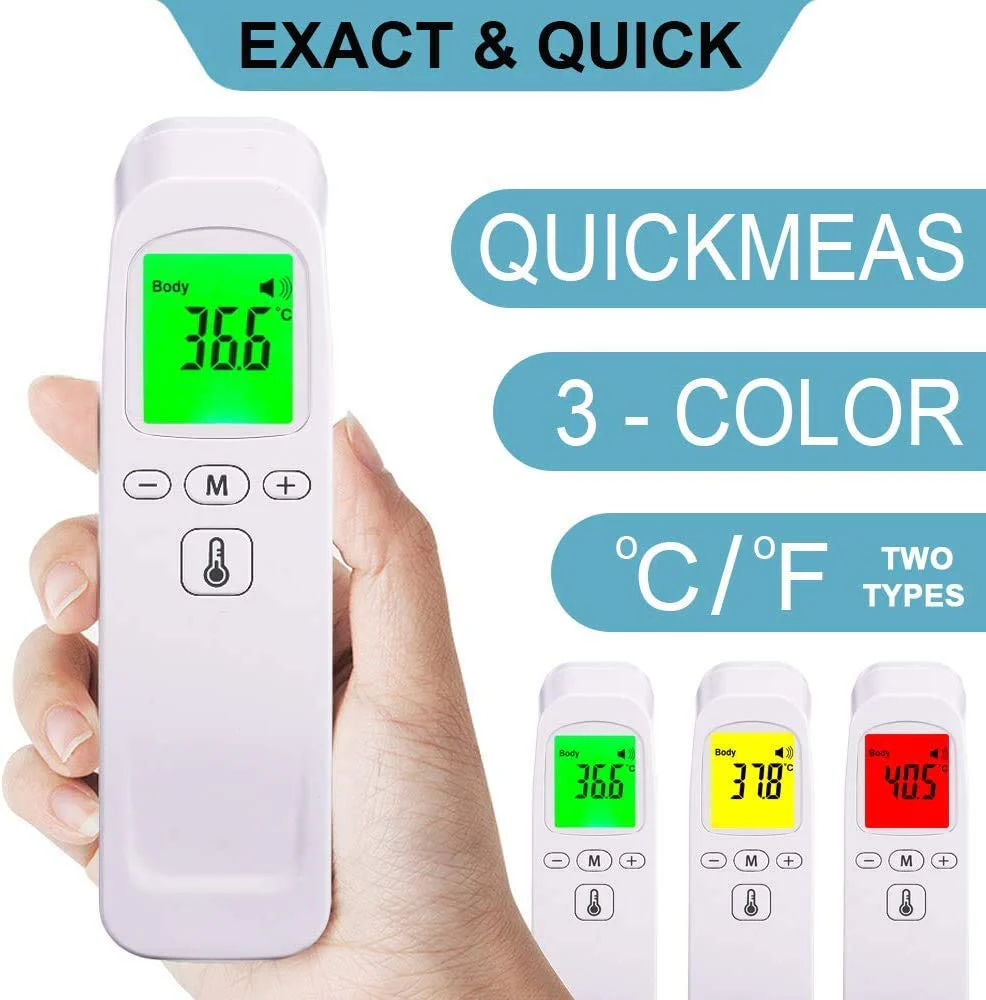
Easy to use: one button measurement, simple operation.
Non contact: measurement of human forehead, not touching human skin.
Long service life: install 2xAA batteries (not included), which can be used more than 100000 times, and the service life of the product is more than 3 million times.
Measurement distance: it can be adjusted within 5-15cm without fixed measurement distance.
Large screen display: large screen LCD, white backlight, any light can be clearly displayed.
Temperature alarm: the alarm temperature can be set freely.
Data storage: 32 measurement data are stored for analysis, reference and comparison.
Setting review: you can modify the setting parameters to adapt to different skin color and race (white, black, yellow race, etc.)
Unit conversion: use Celsius and Fahrenheit to convert each other
Battery: 2 x AA batteries (not included)
How to turn the power on / off:
1. Press the M button to turn on the power.
2. Press the M button again to turn off the power
How to measure temperature:
1. Power on the device.
2. 15-50mm to the forehead.
3. Press the measurement button to measure the forehead temperature.
Measurement mode switch:
Press "-" button to switch between surface temperature mode and body temperature mode
Switch between Celsius and Fahrenheit:
Press and hold the "-" button for 5 seconds and the F1 symbol will appear on the screen.
Then press the "-" button 3 times to display the F4 symbol on the screen.
How to view history:
1. Turn off the device and press the "+" button to view the history
Original: $7.25
-70%$7.25
$2.17More Images
Forehead Thermometer
Portable Non-contact IR Infrared Thermometer Digital Forehead LCD Body Fever Temperature Meter Baby monitor
Specification:
Product model: ZS-T1
Size: 18x4.4x4.2cm/7.09x1.73x1.65in
Weight: 85g
Temperature model: 32 â„ ~ 42.9 â„
Surface mode: 0 â„
Normal use temperature: ambient temperature: 10 â„ ~ 40 â„
Accuracy: measurement error ≤± 0.3 degrees. (imported infrared detection system)
Fast: measurement time < 1 second
Automatic shutdown: 60 seconds
Easy to use: one button measurement, simple operation.
Non contact: measurement of human forehead, not touching human skin.
Long service life: install 2xAA batteries (not included), which can be used more than 100000 times, and the service life of the product is more than 3 million times.
Measurement distance: it can be adjusted within 5-15cm without fixed measurement distance.
Large screen display: large screen LCD, white backlight, any light can be clearly displayed.
Temperature alarm: the alarm temperature can be set freely.
Data storage: 32 measurement data are stored for analysis, reference and comparison.
Setting review: you can modify the setting parameters to adapt to different skin color and race (white, black, yellow race, etc.)
Unit conversion: use Celsius and Fahrenheit to convert each other
Battery: 2 x AA batteries (not included)
How to turn the power on / off:
1. Press the M button to turn on the power.
2. Press the M button again to turn off the power
How to measure temperature:
1. Power on the device.
2. 15-50mm to the forehead.
3. Press the measurement button to measure the forehead temperature.
Measurement mode switch:
Press "-" button to switch between surface temperature mode and body temperature mode
Switch between Celsius and Fahrenheit:
Press and hold the "-" button for 5 seconds and the F1 symbol will appear on the screen.
Then press the "-" button 3 times to display the F4 symbol on the screen.
How to view history:
1. Turn off the device and press the "+" button to view the history
Product Information
Product Information
Shipping & Returns
Shipping & Returns
Description
Portable Non-contact IR Infrared Thermometer Digital Forehead LCD Body Fever Temperature Meter Baby monitor
Specification:
Product model: ZS-T1
Size: 18x4.4x4.2cm/7.09x1.73x1.65in
Weight: 85g
Temperature model: 32 â„ ~ 42.9 â„
Surface mode: 0 â„
Normal use temperature: ambient temperature: 10 â„ ~ 40 â„
Accuracy: measurement error ≤± 0.3 degrees. (imported infrared detection system)
Fast: measurement time < 1 second
Automatic shutdown: 60 seconds
Easy to use: one button measurement, simple operation.
Non contact: measurement of human forehead, not touching human skin.
Long service life: install 2xAA batteries (not included), which can be used more than 100000 times, and the service life of the product is more than 3 million times.
Measurement distance: it can be adjusted within 5-15cm without fixed measurement distance.
Large screen display: large screen LCD, white backlight, any light can be clearly displayed.
Temperature alarm: the alarm temperature can be set freely.
Data storage: 32 measurement data are stored for analysis, reference and comparison.
Setting review: you can modify the setting parameters to adapt to different skin color and race (white, black, yellow race, etc.)
Unit conversion: use Celsius and Fahrenheit to convert each other
Battery: 2 x AA batteries (not included)
How to turn the power on / off:
1. Press the M button to turn on the power.
2. Press the M button again to turn off the power
How to measure temperature:
1. Power on the device.
2. 15-50mm to the forehead.
3. Press the measurement button to measure the forehead temperature.
Measurement mode switch:
Press "-" button to switch between surface temperature mode and body temperature mode
Switch between Celsius and Fahrenheit:
Press and hold the "-" button for 5 seconds and the F1 symbol will appear on the screen.
Then press the "-" button 3 times to display the F4 symbol on the screen.
How to view history:
1. Turn off the device and press the "+" button to view the history