🎉 Up to 70% Off Selected ItemsShop Sale
Hydrogel Screen Protectors for Garmin Venu (Pack of 6)
HomeStore

Hydrogel Screen Protectors for Garmin Venu (Pack of 6)

Hydrogel Screen Protectors for Garmin Venu (Pack of 6)


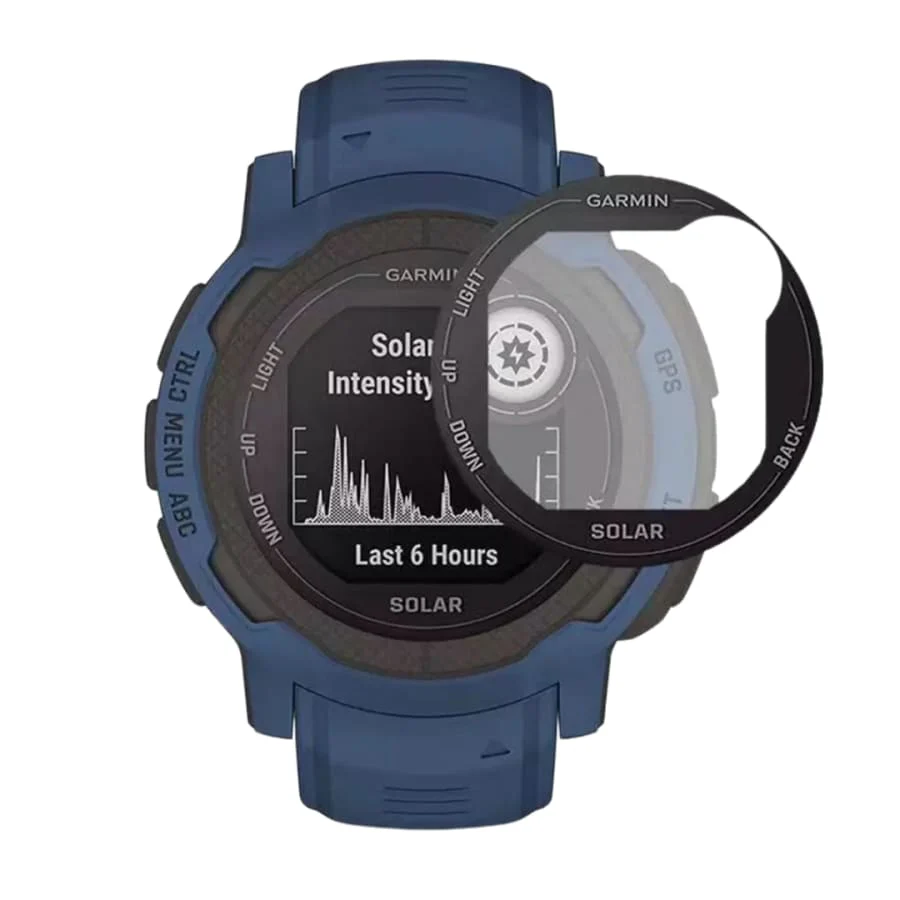
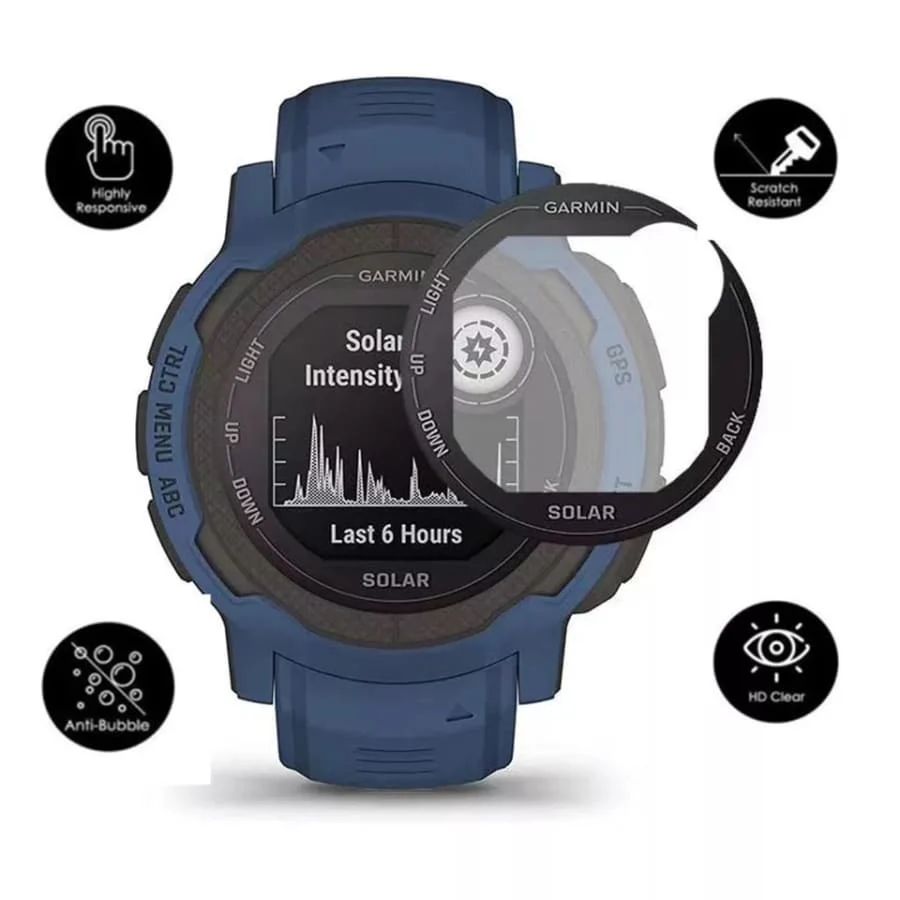
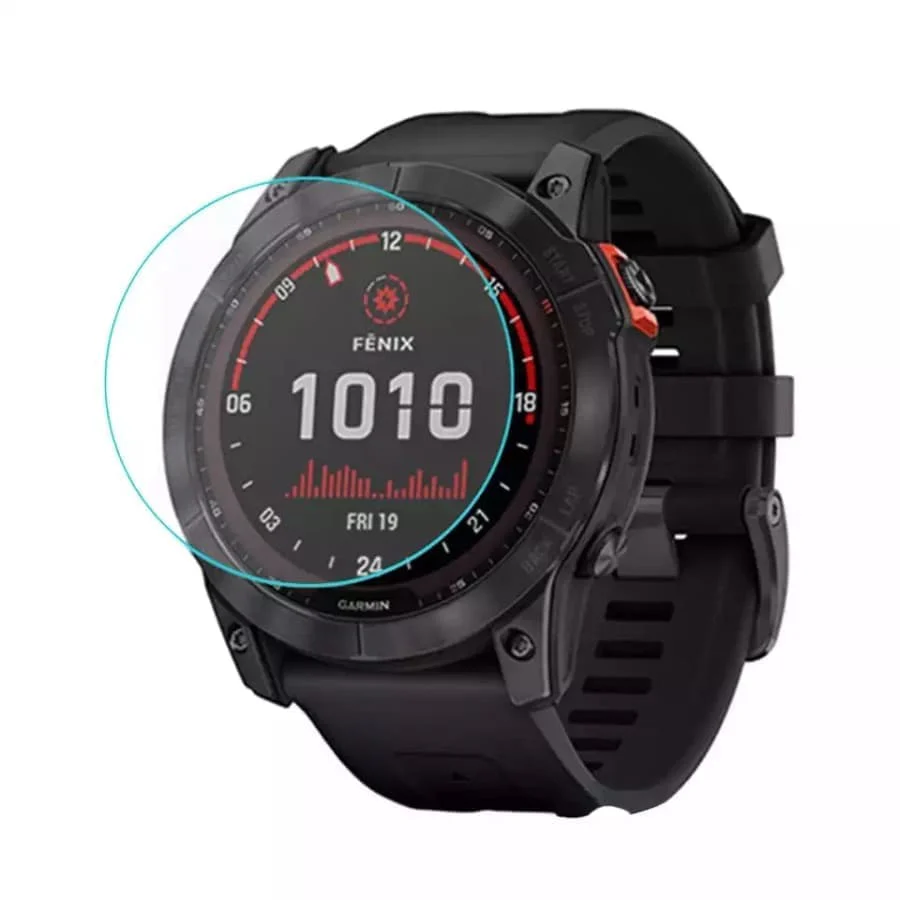
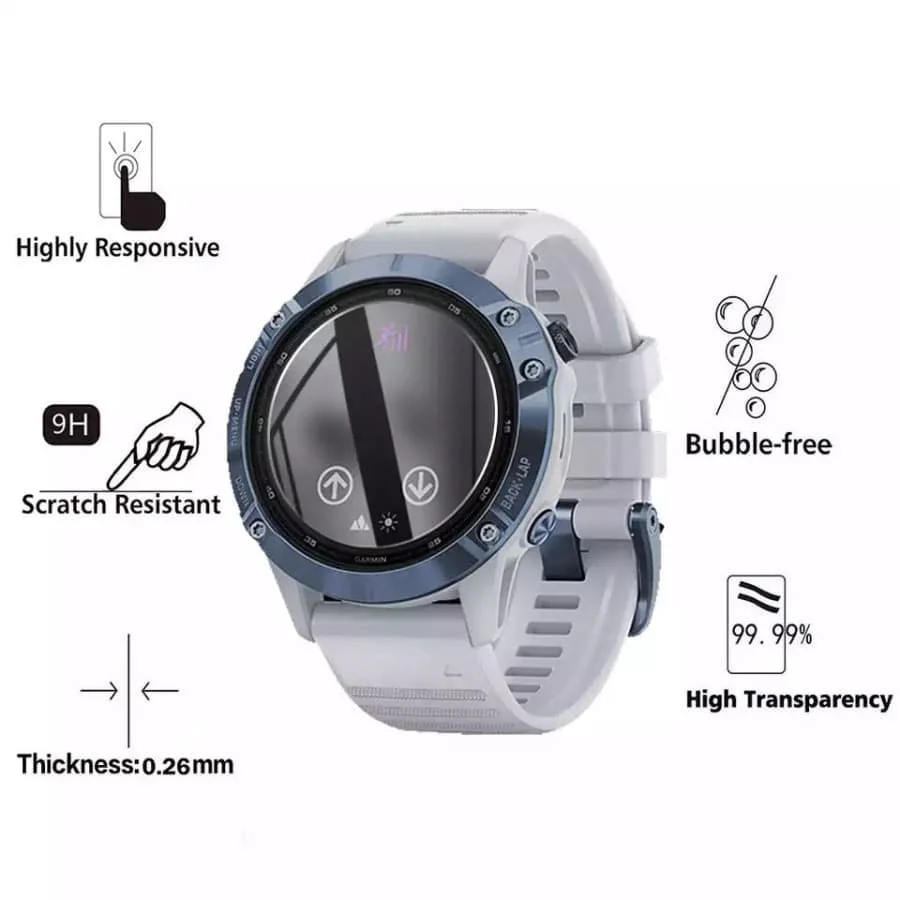
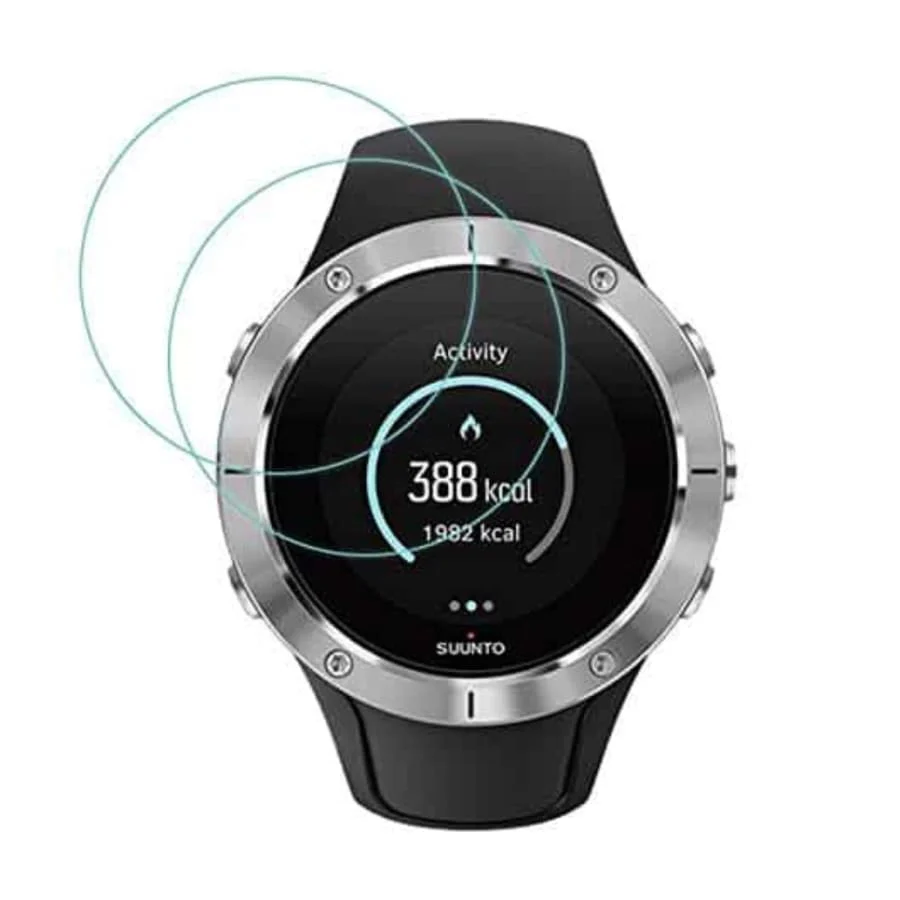
This pack of 6 hydrogel screen protectors keeps your Garmin Venu Watch safe from scratches and everyday wear.

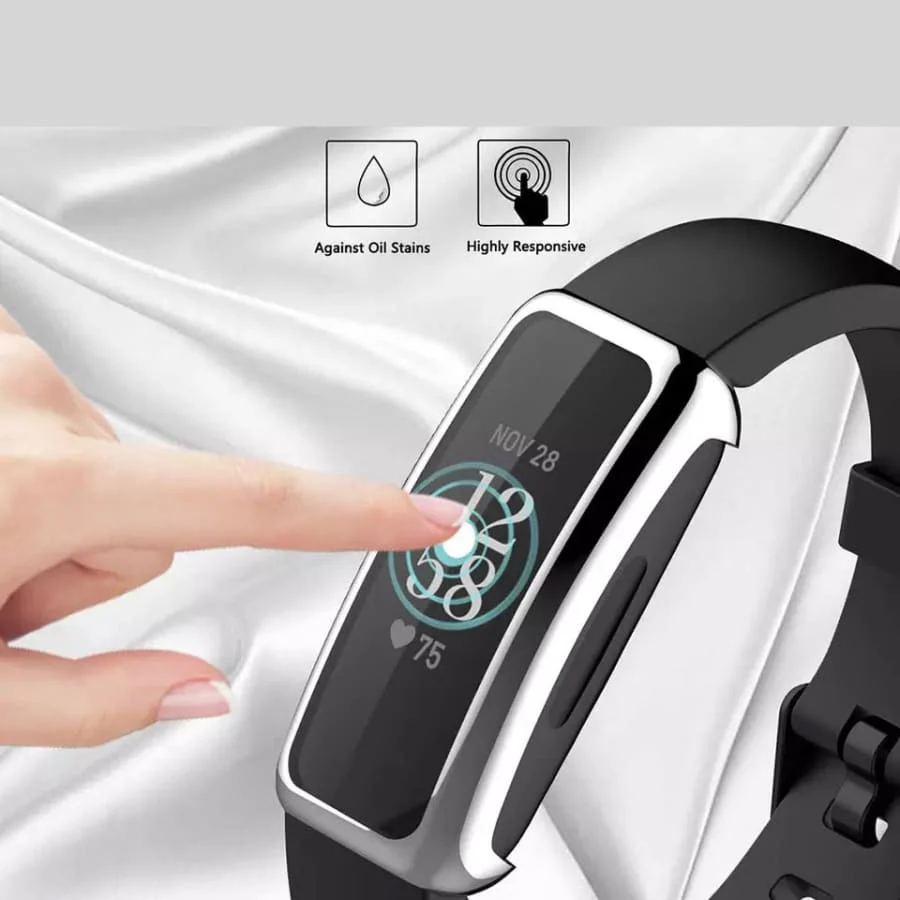
The flexible hydrogel ensures full coverage, preserving screen clarity and touch sensitivity, while offering long-lasting protection for daily use.

Main Features:

  • Includes 6 clear hydrogel screen protectors

  • Flexible hydrogel material ensures full coverage and easy application

  • Provides enhanced protection against scratches, dust, and daily wear

  • Maintains screen clarity and touchscreen responsiveness

  • High-quality, durable craftsmanship
Installation Instructions:
  1. Remove your old screen protector
  2. Clean the screen with the wipes provided. First the wet wipe then the dry wipe.
  3. Stick one of the provided blue stickers to the top of the screen protector on the card provided
  4. There are 3 layers of film (The top layer, the hydrogel screen protector & the backplate)
  5. Lift the watch screen protector from the card (all 3 layers)
  6. Remove the back white plate (hard plastic)
  7. Align the screen protector on your watch screen and stick it down
  8. Use the scraper provided or a bank card to remove any air bubbles 
  9. The remaining bubbles will disappear on their own in a few days
  10. Now remove the top film & enjoy your new screen protector
  11. Future scratches can be blended out with the scraper provided or a bank card
$10.44
Hydrogel Screen Protectors for Garmin Venu (Pack of 6)—
$10.44

More Images

Hydrogel Screen Protectors for Garmin Venu (Pack of 6) - Image 2

Hydrogel Screen Protectors for Garmin Venu (Pack of 6)


This pack of 6 hydrogel screen protectors keeps your Garmin Venu Watch safe from scratches and everyday wear.

The flexible hydrogel ensures full coverage, preserving screen clarity and touch sensitivity, while offering long-lasting protection for daily use.

Main Features:

  • Includes 6 clear hydrogel screen protectors

  • Flexible hydrogel material ensures full coverage and easy application

  • Provides enhanced protection against scratches, dust, and daily wear

  • Maintains screen clarity and touchscreen responsiveness

  • High-quality, durable craftsmanship

Installation Instructions:
  1. Remove your old screen protector
  2. Clean the screen with the wipes provided. First the wet wipe then the dry wipe.
  3. Stick one of the provided blue stickers to the top of the screen protector on the card provided
  4. There are 3 layers of film (The top layer, the hydrogel screen protector & the backplate)
  5. Lift the watch screen protector from the card (all 3 layers)
  6. Remove the back white plate (hard plastic)
  7. Align the screen protector on your watch screen and stick it down
  8. Use the scraper provided or a bank card to remove any air bubbles 
  9. The remaining bubbles will disappear on their own in a few days
  10. Now remove the top film & enjoy your new screen protector
  11. Future scratches can be blended out with the scraper provided or a bank card

Product Information

Shipping & Returns

Description


This pack of 6 hydrogel screen protectors keeps your Garmin Venu Watch safe from scratches and everyday wear.

The flexible hydrogel ensures full coverage, preserving screen clarity and touch sensitivity, while offering long-lasting protection for daily use.

Main Features:

  • Includes 6 clear hydrogel screen protectors

  • Flexible hydrogel material ensures full coverage and easy application

  • Provides enhanced protection against scratches, dust, and daily wear

  • Maintains screen clarity and touchscreen responsiveness

  • High-quality, durable craftsmanship
Installation Instructions:
  1. Remove your old screen protector
  2. Clean the screen with the wipes provided. First the wet wipe then the dry wipe.
  3. Stick one of the provided blue stickers to the top of the screen protector on the card provided
  4. There are 3 layers of film (The top layer, the hydrogel screen protector & the backplate)
  5. Lift the watch screen protector from the card (all 3 layers)
  6. Remove the back white plate (hard plastic)
  7. Align the screen protector on your watch screen and stick it down
  8. Use the scraper provided or a bank card to remove any air bubbles 
  9. The remaining bubbles will disappear on their own in a few days
  10. Now remove the top film & enjoy your new screen protector
  11. Future scratches can be blended out with the scraper provided or a bank card
Hydrogel Screen Protectors for Garmin Venu (Pack of 6) | Buy Kiwi